SketchUp is a drawing-based 3D modeling tool that is easy to learn and fun to use. SketchUp is 3D for everyone. All kinds of people use SketchUp…and they’re making all kinds of things. From architects, product designers, builders, to makers and to engineers. SketchUp started with the idea that anyone in the world can learn how to use this tool and do useful stuff with.
A free version, SketchUp Make, and a paid version with additional functionality, SketchUp Pro, are available. Prints directly to i.materialise if you install a free plugin!
Price
Free (SketchUp Make)
590 USD/458 EUR (SketchUp Pro)
590 USD/458 EUR (SketchUp Pro)
Exported File Formats for 3D Printing
.SKP, .DAE (SketchUp Make)
.SKP, .DAE, .3DS, .OBJ, .FBX, .VRML (SketchUp Pro)
.SKP, .DAE, .3DS, .OBJ, .FBX, .VRML (SketchUp Pro)
Platform
Windows (32/64 bit), Mac OS X
Website
Interface

Getting Started
Resources
Examples
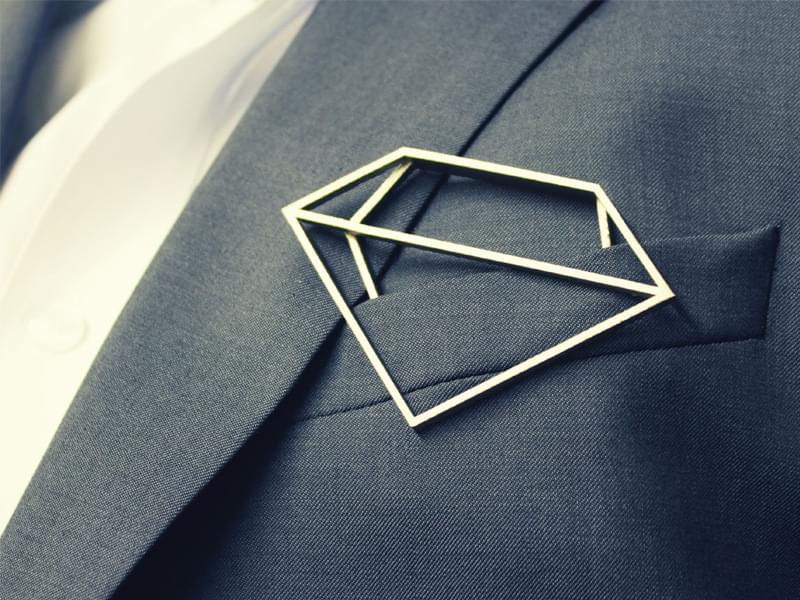
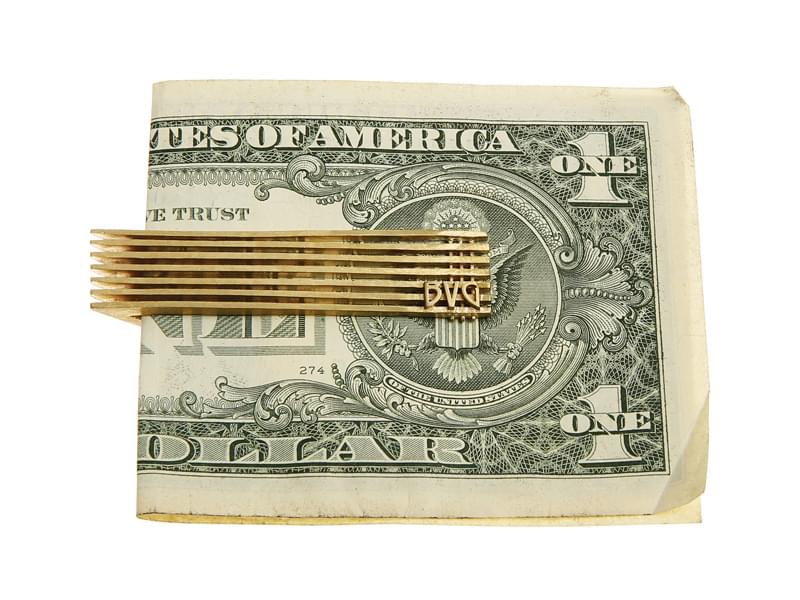
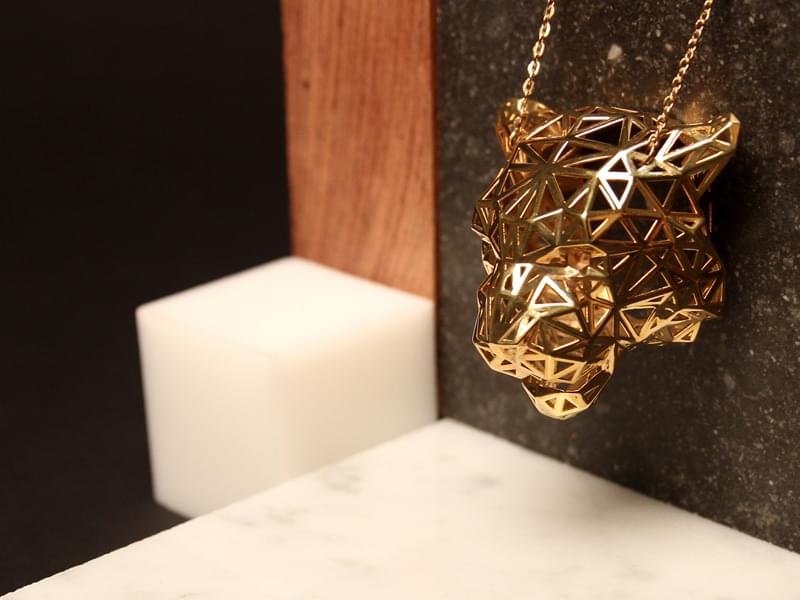
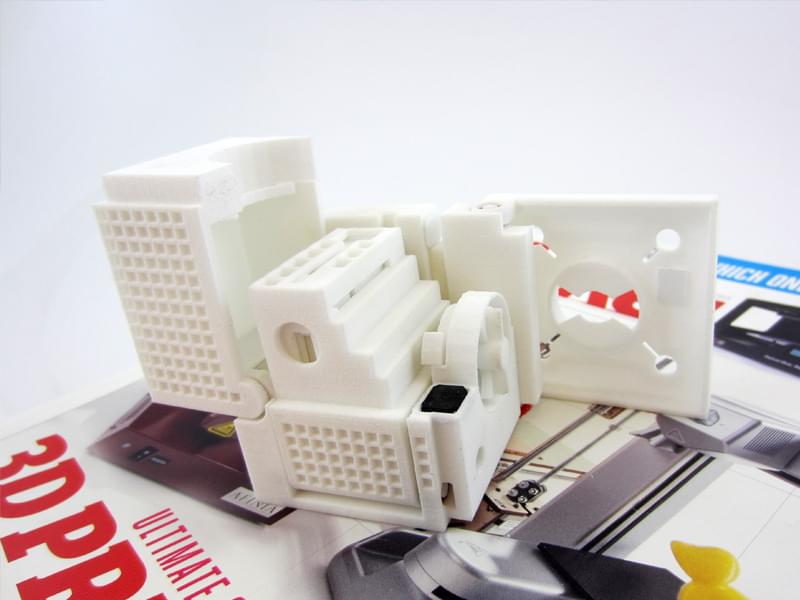
Below are a few SketchUp models that were 3D printed through i.materialise.