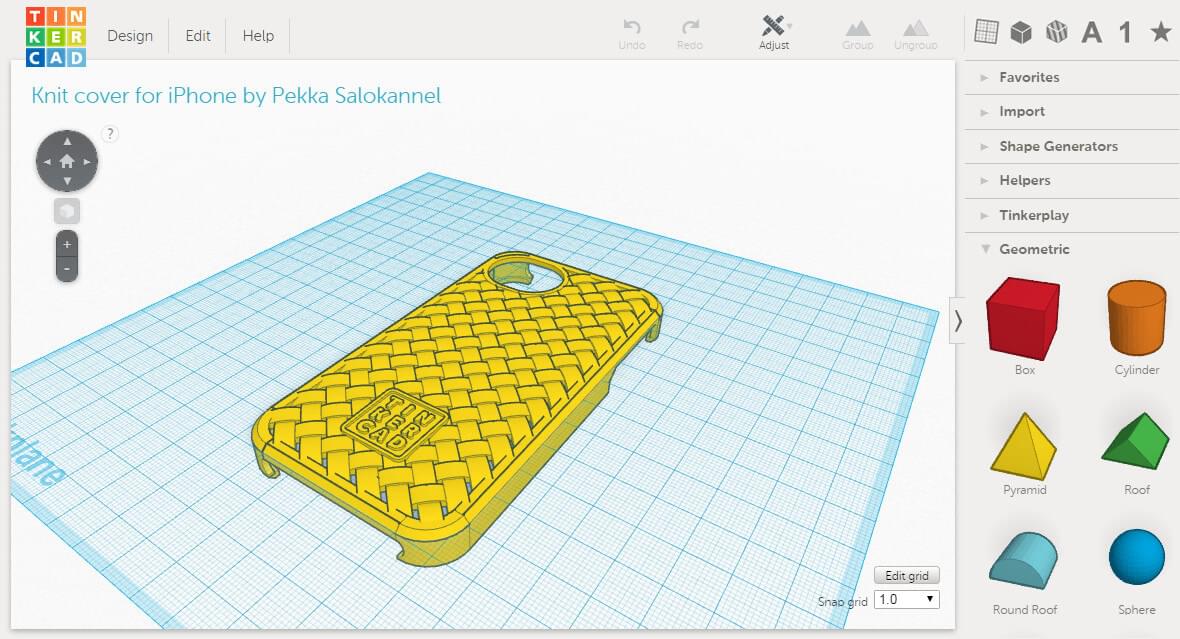
Tinkercad is an easy-to-use, browser based 3D design tool for all. From kids to designers to hobbyists, with Tinkercad you can create 3D printable items: toys to play with, decoration to light up your home or jewelry to express yourself. Users are guided through the 3D design process through 'Lessons', which teach the basics before moving on to more complex modeling techniques.
Price
Free
Exported File Formats for 3D Printing
.STL, .OBJ, .X3D, .VRML
Platform
Runs on all operating systems with a browser that supports WebGL, a new 3D web standard.
Website
Interface
Getting Started
Resources
Examples
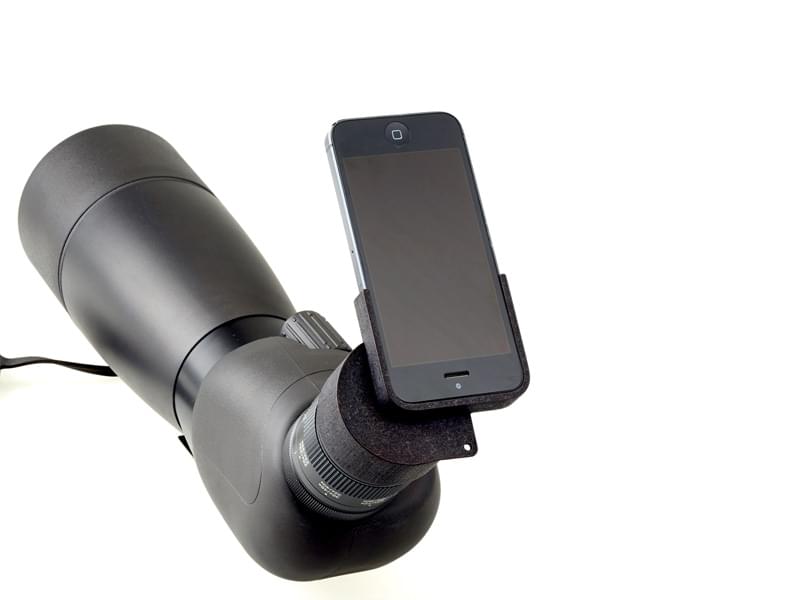
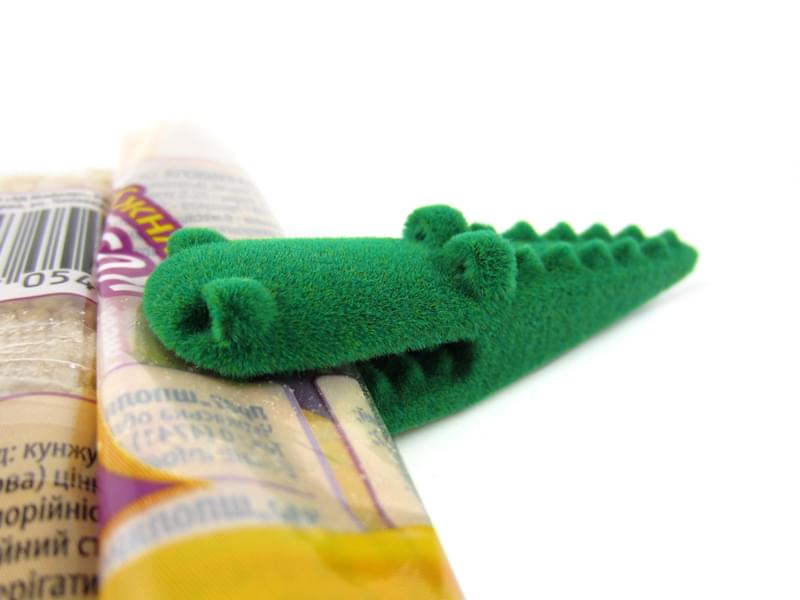
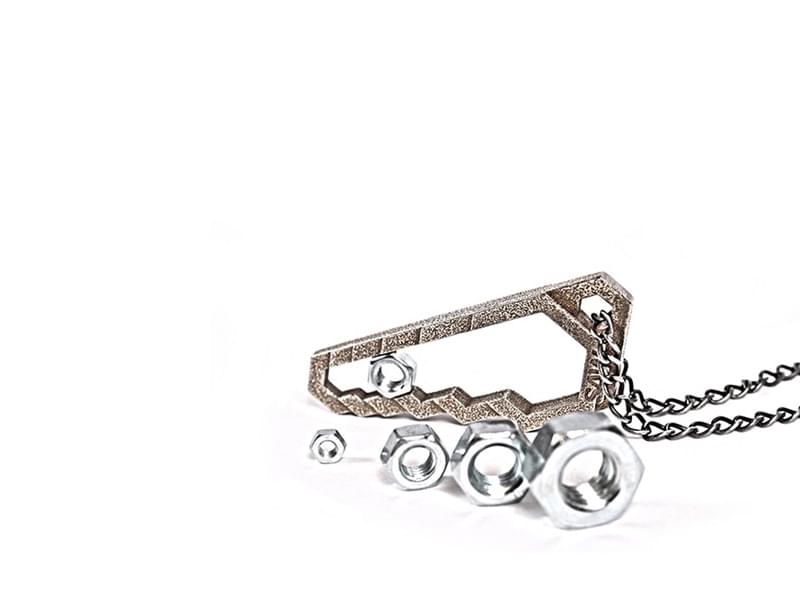
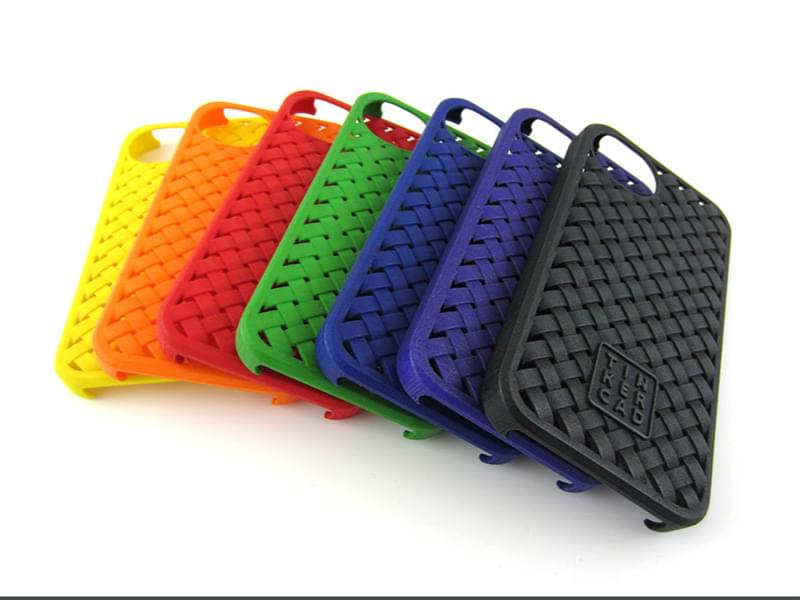
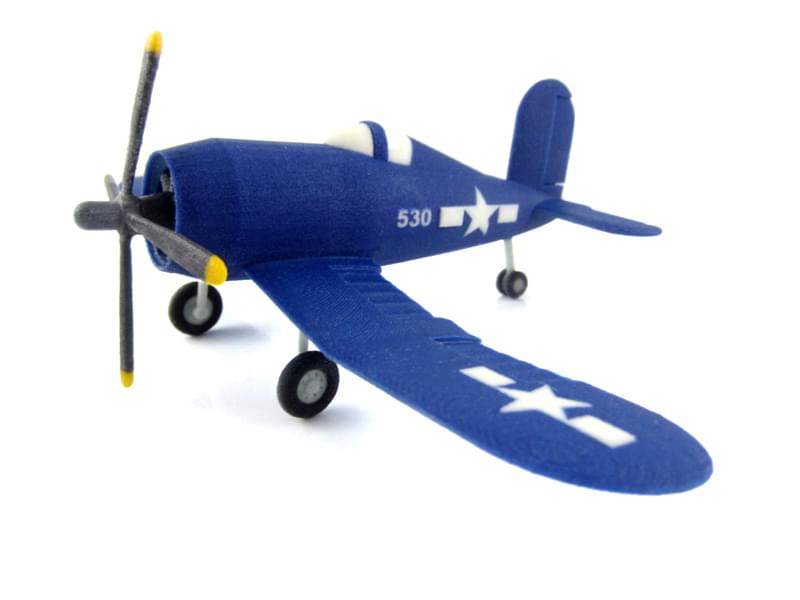
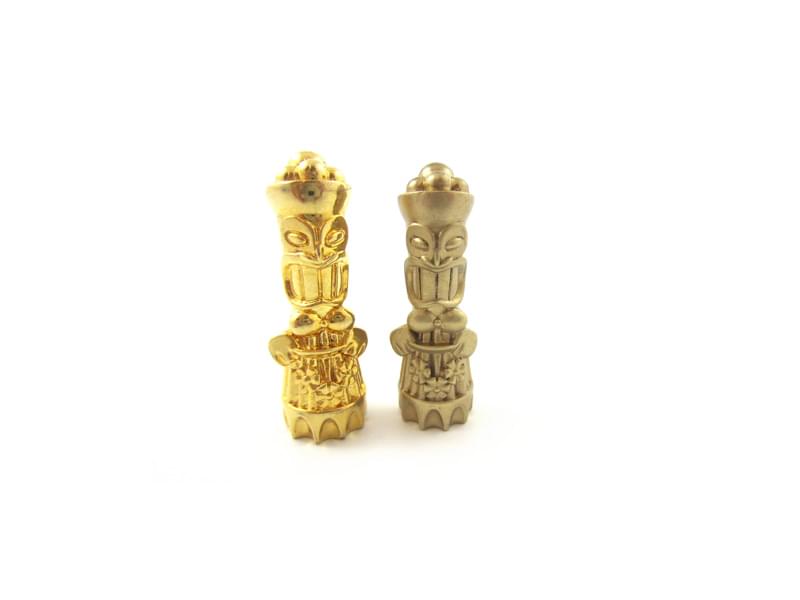
Below are a few Tinkercad models that were 3D printed through i.materialise.